
Rights and procedure
A digital claim file: how to organise documents and correspondence in Serbia
A simple folder, file-naming and communication log system for an insurance matter handled in Serbia, while preserving the originals.
Published 29. January 2026. · Autohelp expert team
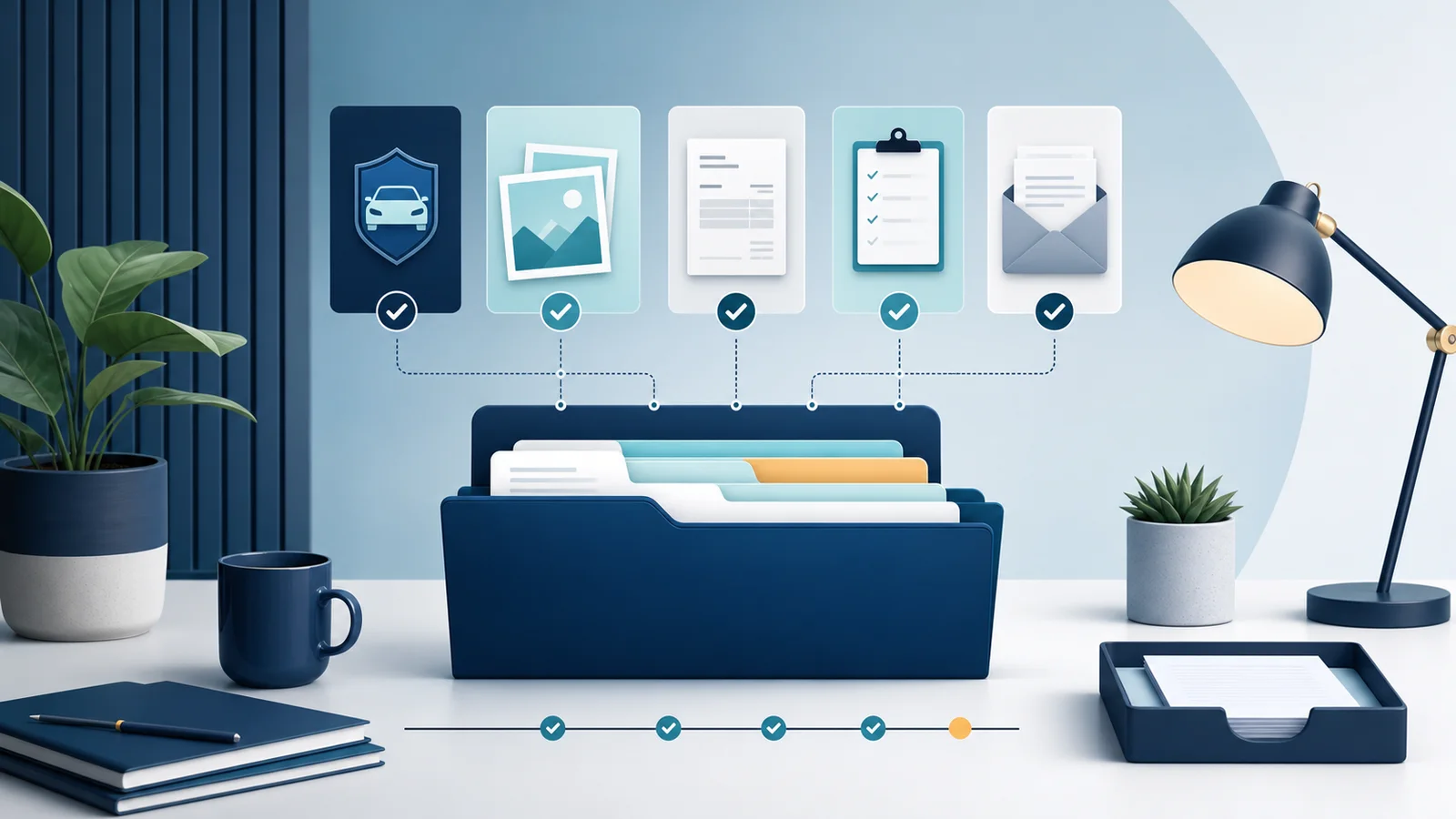
A claim file may begin with a few photographs and one message, then grow to include forms, assessments, invoices, additional documents and replies. When everything remains in an email inbox or phone gallery, it becomes difficult to identify the latest version and see what has already been submitted. For a matter handled in Serbia, a well-organised digital file does not change the facts or promise a faster or more favourable outcome. It makes review easier, reduces duplication and shows what exists, what is missing and where each document came from.
Use one main folder for each matter
Create a separate main folder for every event. Include the event date and a short neutral reference in the name without adding unnecessary personal data. Do not combine documents from different accidents or consignments simply because the same insurer is involved. Inside the main folder, use numbered subfolders so that the material always appears in a predictable order.
- 01 Event — basic notes, available reports and information about the circumstances.
- 02 Policy and terms — the policy, associated terms and relevant contractual documents.
- 03 Photographs — original images kept separately from marked working copies.
- 04 Assessments and costs — inspections, quotations, invoices and evidence of related expenses.
- 05 Correspondence — sent and received messages, delivery confirmations and call notes.
- 06 Decisions — formal notifications and the latest documents describing the current position.
File names should explain the contents
A consistent name lets you sort material without opening every document. A useful pattern is the date, sender or source and a short description, for example “2026-01-15 insurer receipt-confirmation”. Avoid vague names such as “new scan”, “image 2” or “final final”. When a new version arrives, keep it as a new file rather than overwriting the previous one. For scanned documents, check that all pages are present, correctly oriented and readable, while retaining the original file exactly as it was received.
Keep a short communication log
A single table or text document can act as a map of the whole matter. For every contact, record the date and approximate time, channel, the contact person or department when known, reference number, what was sent or received and the agreed next step. Use verifiable facts rather than rewriting a conversation from memory. If a telephone call introduces important information, make a note and keep any later written confirmation when it arrives. The log does not replace original correspondence; it helps you locate that correspondence quickly.
Separate originals from working copies
Keep original photographs, PDF documents and messages unchanged. If you want to highlight a paragraph, combine pages or add an internal note, do it in a copy clearly identified as a working version. This keeps a visible distinction between material that was actually received and material prepared for review. Make a backup periodically in a secure location available only to authorised people. Device synchronisation can help, but it is not a substitute for checking that the files are present and can still be opened.
Share only what is needed
The folder may contain addresses, registration plates, policy numbers, invoices and other personal or commercial information. Before sending anything, check the recipient, the purpose and the exact attachments selected. Do not send the entire folder when one document has been requested. Avoid public links without access controls and remove access when it is no longer needed. Autohelp’s callback form is for basic contact details and a short message; identity documents and a complete claim file should not be sent through that channel.
Review the file before every next step
Before submitting additional material or asking for a professional review, spend ten minutes checking the folder. Confirm that every document is in the right place, names are clear, attachments open correctly and the log shows the latest communication. Then prepare a short list of known facts, documents already supplied, open questions and the next action. This allows a conversation to begin with the real state of the matter rather than with a search through messages. There is no need to decide liability, policy coverage or an expected amount in advance; those questions require review of the specific case.